
Accessing your company account is quick and secure. You can sign in using your email, password, and verification code, or use a Passkey if you have already set one up.
- Log in using your email and password:
- Go to the Login page.
- Enter the email address and password you created during registration, then click Log in.
- You will be asked to complete an additional verification step using an OTP.
- If Two-Factor Authentication (2FA) is not enabled, the OTP will be sent to your registered mobile number via SMS or WhatsApp.
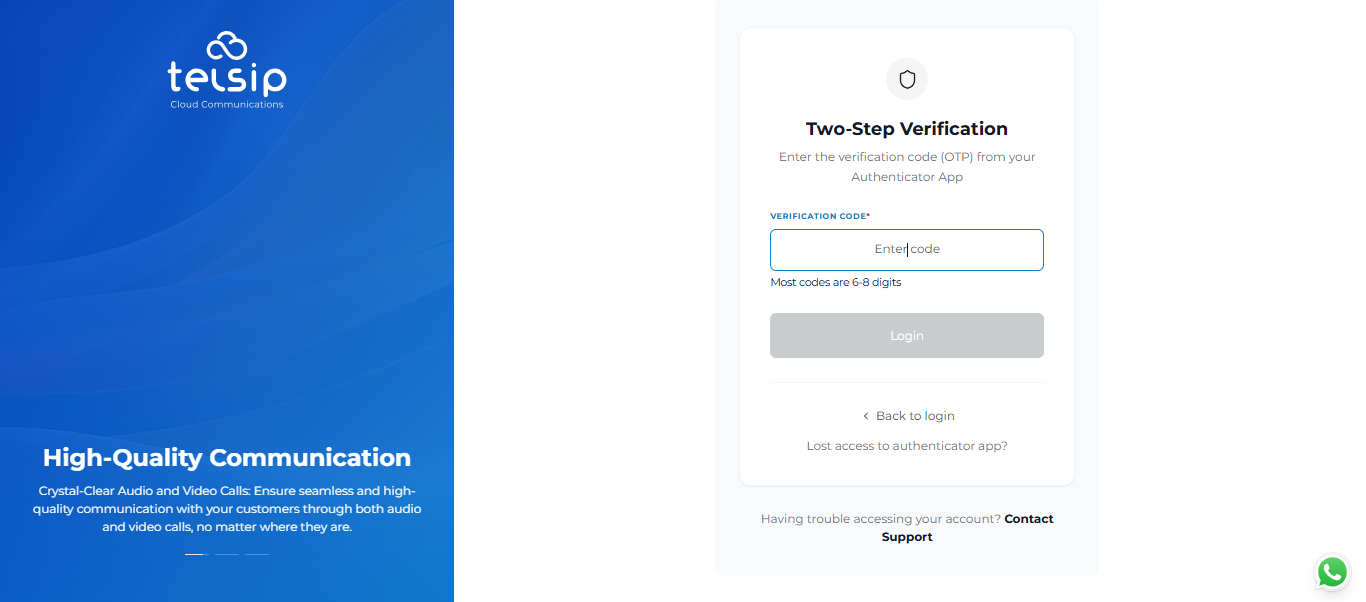
- If 2FA is enabled, use the verification code generated by your authenticator app.
- Enter the verification code to confirm your identity and complete the login process.
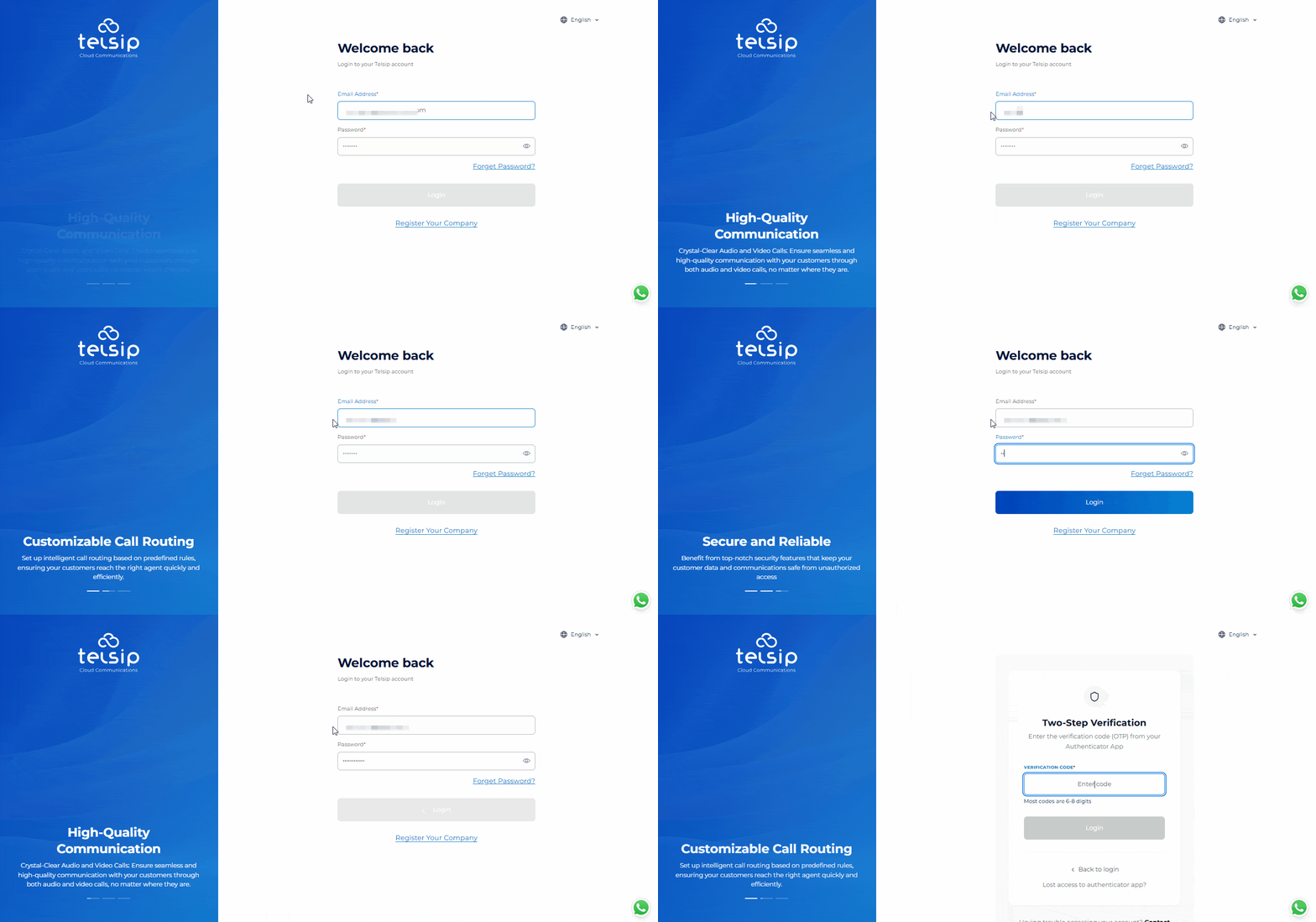
📌 Note: Once 2FA is enabled, verification codes will no longer be sent via SMS or WhatsApp. You will need to use the codes generated by your authenticator app when logging in.
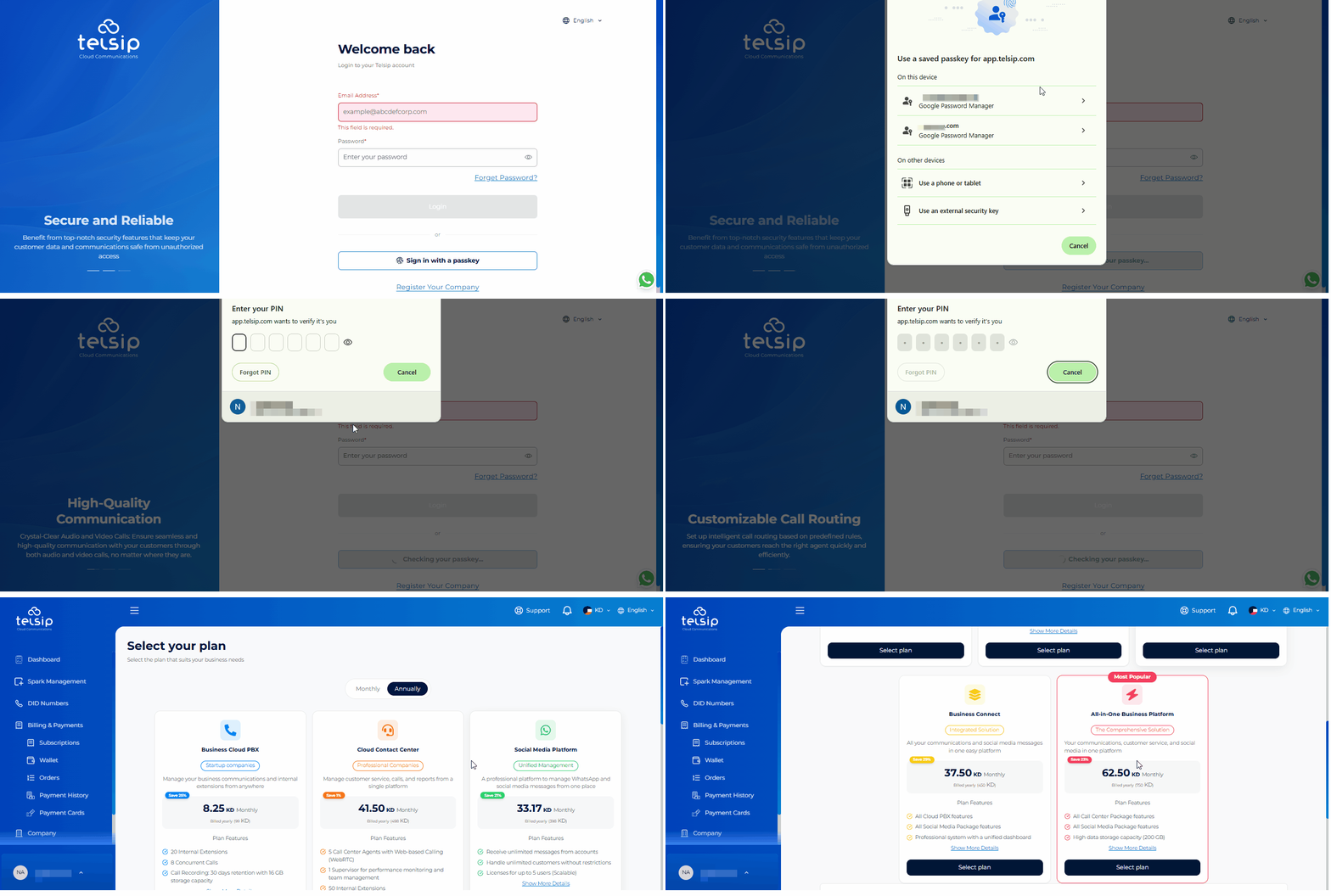
- Log in using a Passkey:
- If you have already set up a Passkey, you can use it to sign in without entering your email address, password, or OTP.
- Select the Passkey sign-in option.
- Authenticate using the method linked to your Passkey:
- Password Manager: Use the Passkey saved in your browser or password manager.
- Phone or Tablet: Use your phone or tablet to approve the sign-in.
- External Security Key: Use a compatible external security key, such as a USB key.
- After logging in:
- On your first login, if your email address has already been verified, you will be taken directly to the Plans page to set up your subscription.
- If your email address has not yet been verified, you will be taken to the Dashboard, where you can complete the email verification first.
- On future logins, you can access the Plans page at any time from the Subscriptions section in the main menu.
- Select your preferred monthly or yearly plan, then customize it with the available add-ons and choose any available one-time services offered with the plans.
- A complete price summary of your selected plan, add-ons, and one-time services will be displayed at the bottom of the page.
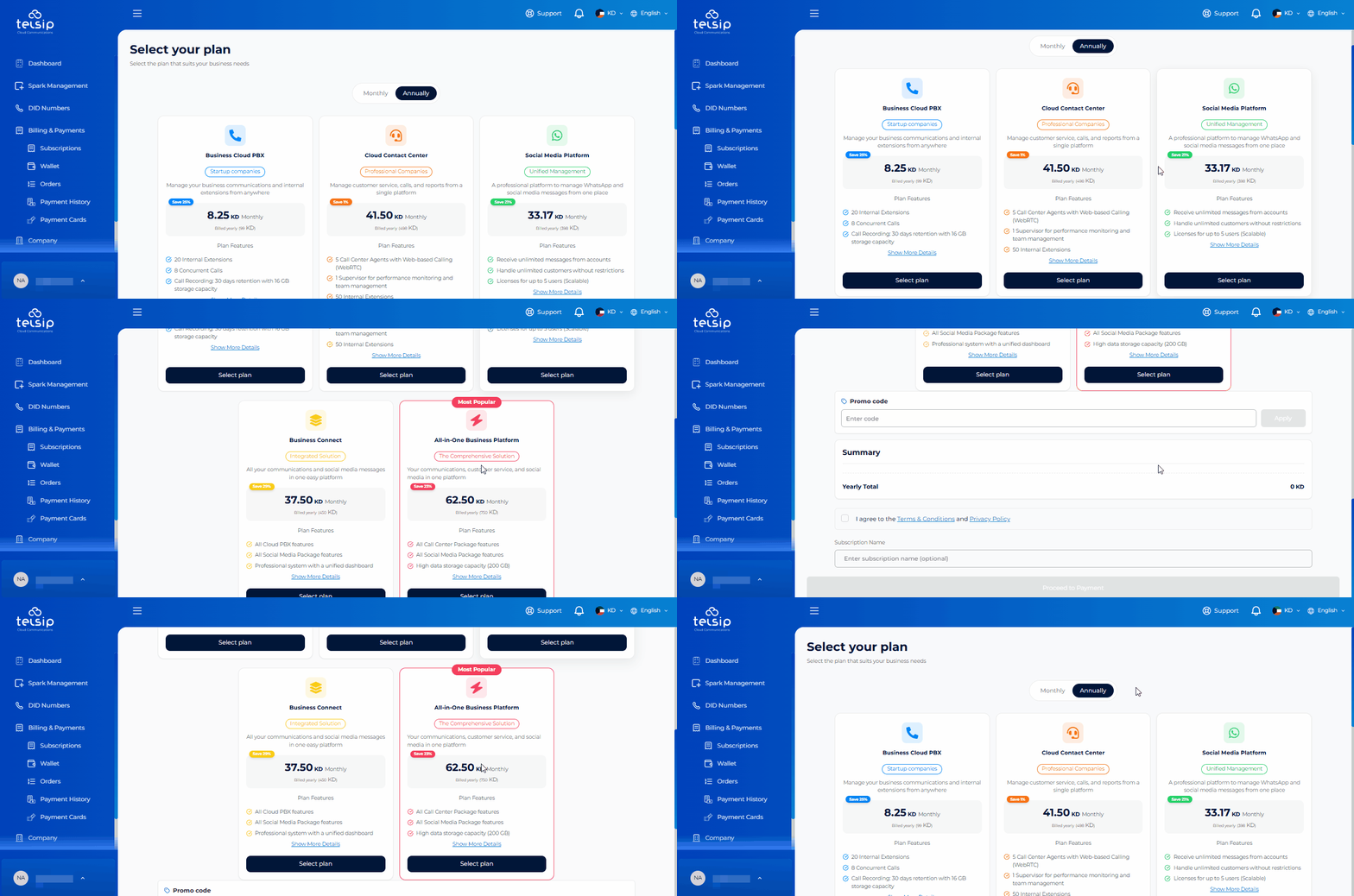
📌Note: To view detailed steps regarding subscription, pricing plans, add-ons, and one-time services, click here