
The Imports page shows the history of every contact import in your organization, with its status and results. To start a new import, go to the Contacts page and click Import.
- View import history:
- Click Contacts from the sidebar menu, then click Imports.
- The table shows each import’s ID, file name, status, number of records imported, start and completion dates, the uploaded file, and any errors.
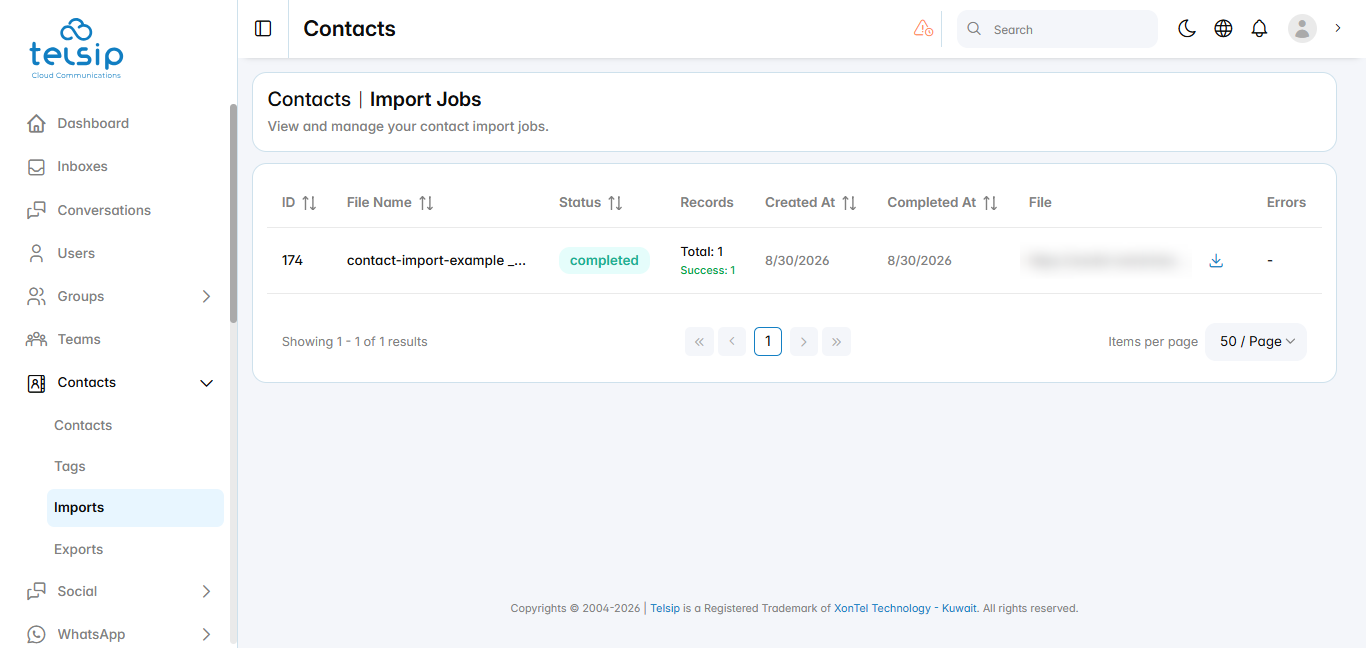
📌 Note: If an import shows errors, check the Errors column to see which records failed and why, then fix the file and import it again.